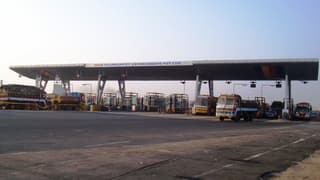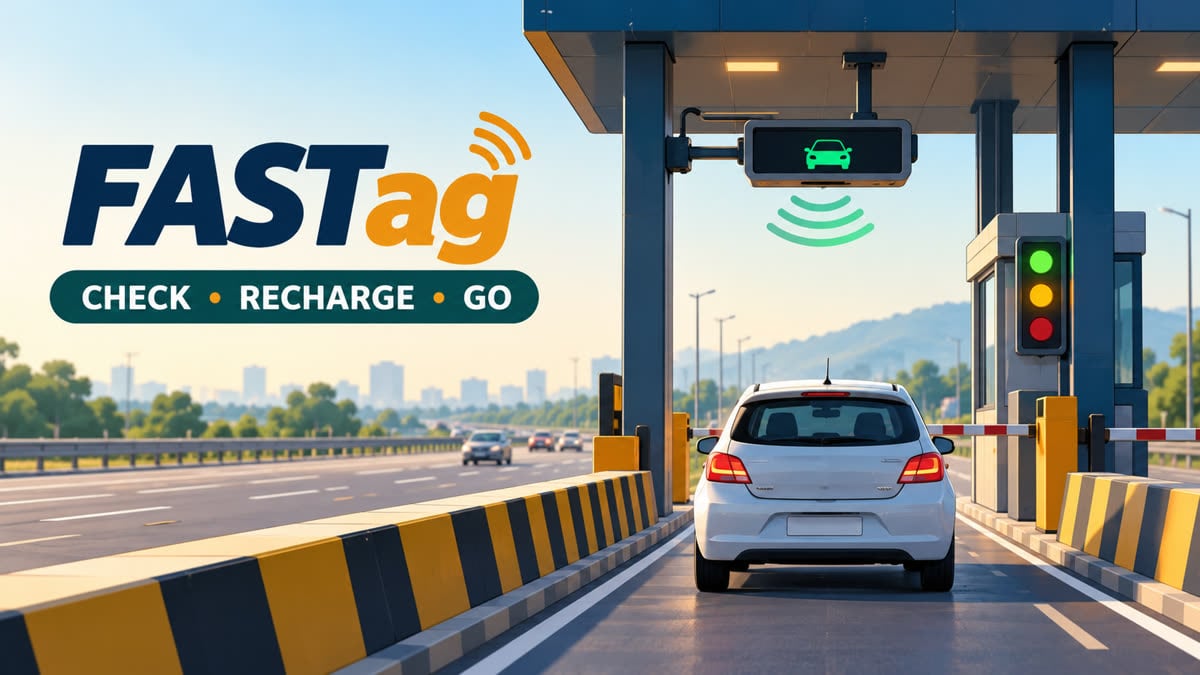
Checking a FASTag balance before leaving confirms that the windscreen tag, vehicle number and payment account are aligned. This guide explains how to check balance and status through official channels, recharge the correct wallet, and respond when a tag shows low balance, is blacklisted or fails at a toll plaza.
The key distinction is the issuer. A bank-issued FASTag is normally managed through that bank’s portal or app, while an NHAI bank-neutral FASTag can be managed through MyFASTag and its linked wallet or bank account. The service details below were checked against official FASTag pages and supporting reporting as of October 2026; issuer-specific screens and limits can change.
Key takeaways
- Find the issuing bank or confirm that the tag is an NHAI prepaid-wallet FASTag before trying to recharge.
- Use the issuer’s app, MyFASTag or the official missed-call route that matches your tag.
- Use NPCI’s NETC status page to identify more than one FASTag linked to a vehicle.
- Match the vehicle registration number, tag ID and issuer before paying; keep the payment reference if money is debited but the wallet is not updated.
- Green, orange and red status signals indicate active/sufficient balance, low balance and blacklisted status in MyFASTag.
1. Identify the FASTag issuer first
FASTag is an RFID-based electronic toll system. The sticker receives a toll debit through an issuer account or wallet, so the balance shown in a general bank account is not automatically the FASTag balance.
- Bank-issued tag: use the FASTag section of the issuing bank’s website or app. The customer-care number is usually printed on the sticker.
- NHAI FASTag: this bank-neutral option can be linked to an existing bank account or NHAI prepaid wallet through MyFASTag.
- More than one tag: IHMCL says only one active FASTag is permitted for a vehicle; older tags linked to the same vehicle can be deactivated.
- Unknown issuer: check the tag, old SMS alerts, email receipts and the vehicle-linked status service before making another payment.
2. How to check FASTag balance and status
Use the issuing bank’s portal or app
For a bank-issued tag, log in through the bank’s official FASTag page or app, then select the vehicle or tag account. Check available balance, the last toll debit and tag status together. Transaction history can reveal an unfamiliar toll debit or a recharge that has not been credited.
Use the MyFASTag app
IHMCL describes MyFASTag as a consumer app for buying and recharging FASTags, tracking transactions and checking real-time wallet balance. Its FAQ says the app is available for Android and iOS. Select the vehicle or tag, check the balance and open transaction history instead of relying only on a colour indicator.
Use the missed-call facility where it applies
IHMCL says users who have registered their mobile number with an NHAI prepaid wallet can give a missed call to +91-8884333331 to receive the balance. The official FAQ describes this facility as toll-free and available round the clock. This route is for the NHAI prepaid-wallet arrangement; a bank-issued tag may instead direct you to its issuer’s app or helpline.
Check tags linked to the vehicle
When a used car changes hands, a replacement sticker is issued, or several banks have been tried, use NPCI’s “Check Your NETC FASTag Status” page. Enter vehicle details to view the status of FASTags linked to that vehicle. This is a status check, not a substitute for the issuer’s wallet balance.
Read SMS and email alerts
IHMCL says customers receive an SMS alert when an amount is deducted from the FASTag wallet. Compare it with the app’s transaction history. An alert showing the wrong vehicle, toll plaza or amount should be preserved for an issuer complaint.
3. Official check and recharge routes at a glance
The table summarises details confirmed in IHMCL and NHAI materials checked on 8 October 2026. Banks can apply their own wallet, KYC, security-deposit and payment rules, so these are channel details rather than a universal balance threshold.
| Route | Useful for | Confirmed detail as of 8 Oct 2026 |
|---|---|---|
| MyFASTag app | Balance, status, recharge and history | Android and iOS; IHMCL lists real-time balance and transaction tracking |
| NHAI prepaid-wallet missed call | Quick balance check without login | +91-8884333331; round-the-clock service for registered mobile numbers |
| NHAI highway helpline | Toll-plaza complaint or lane help | 1033; four-digit, 24x7x365 helpline |
| Existing wallet top-up | Small recharge after issuer check | IHMCL says it can be as low as Re. 1; issuer terms apply |
| First recharge at purchase | Initial funding of a new tag | Normally ₹200 excluding security amount; bank pricing can vary |
These figures do not prescribe a balance to keep. The amount needed depends on route, vehicle class, toll schedule and any pass attached. For a current route estimate, check the FuelPrice toll-charge calculator.
4. How to recharge the correct FASTag
- Note the vehicle registration number and, if available, the FASTag ID.
- Open the issuer’s official portal or app and confirm that the displayed vehicle matches the car you will drive.
- Choose the issuer’s recharge method. NHAI’s FAQ lists net banking, UPI and debit or credit card for bank-issued FASTags; MyFASTag supports recharge routes for NHAI arrangements.
- Enter the amount only after checking the current balance and estimated toll. A bank account, wallet or vehicle-number UPI handle is not necessarily interchangeable across issuers.
- Wait for success confirmation, refresh the balance and transaction history, and save the payment reference until the credit is visible.
- If money is debited but the account is not credited, contact the issuing bank for reversal or reconciliation. NHAI’s FAQ directs this account-credit problem to the bank.
Some NHAI-linked arrangements support automatic top-up below a threshold set when the bank account is linked. If offered, read the standing-instruction amount and threshold on the issuer screen; neither is universal.
5. A worked rupee example before a road trip
Suppose a current calculator shows ₹640 in tolls for a planned one-way trip, and the verified FASTag balance is ₹1,000:
₹1,000 starting balance − ₹640 estimated toll = ₹360 expected balance.
If the route has a return leg, a second toll schedule or a different vehicle category, repeat the calculation. The ₹640 figure is illustrative, not a quoted toll rate. Use the FuelPrice road-trip planner to organise the route, then recheck the issuer’s live balance before departure.
6. Why a FASTag can show low balance or blacklist status
A failed toll transaction does not always mean that the driver simply forgot to recharge. IHMCL lists several causes:
- Insufficient balance: the wallet may be below the issuer’s threshold. IHMCL notes that this can vary by bank, so there is no single rupee cut-off for every tag.
- Incorrect placement: a tag carried in the hand or not fixed to the windscreen may not be read correctly.
- Vehicle or class mismatch: a tag issued for one class cannot be treated as valid for another.
- Duplicate or old tag: under one-vehicle-one-FASTag, an older tag can be deactivated when a newer tag is active.
- Incomplete KYC: IHMCL says a non-KYC wallet customer can be restricted from recharging after two years while existing balance is used until a low-balance block. Its FAQ says a KYC upgrade can take a maximum of seven working days after submission.
- Wrong issuer: the recharge may be successful in one account while the windscreen tag remains unchanged.
7. Read the status colour before you drive
- Green: active tag with sufficient balance.
- Orange: low balance; open the wallet and check the exact amount.
- Red: blacklisted tag; find the issuer’s reason and resolve it before entering the toll lane.
Colour is a prompt, not a replacement for the rupee balance or transaction history. Do not invent a universal “safe balance” number: toll charges differ by route and vehicle class.
8. What to check before a highway trip
- Check the current toll estimate for the route and vehicle category using the toll-charge tool.
- Open the issuer app or MyFASTag and confirm vehicle number, tag status and available balance.
- Read the latest SMS or transaction entry and confirm that the last deduction is familiar.
- Inspect the windscreen: the tag should be fixed in the prescribed position, not loose or carried separately.
- Recharge through the verified issuer channel if the estimated toll leaves too little balance; refresh until the credit is visible.
- Keep the issuer’s customer-care route and 1033 available for toll-plaza acceptance, reading or blacklist complaints.
For context on how tolling is changing, see FuelPrice’s coverage of barrier-free FASTag tolling. For a pass comparison, see the FASTag annual pass versus regular toll guide.
9. If the tag fails at the plaza
- If the app shows low balance or blacklisted status, check the reason and contact the issuer; a recharge may not fix KYC, duplicate-tag or class-mismatch problems.
- If the tag is active with sufficient balance but the plaza cannot read or accept it, call 1033 and note the plaza, lane and time.
- If the amount is wrong or a debit appears for a trip the vehicle did not make, raise the dispute with the issuer and attach the SMS, date, plaza and payment reference.
The NHAI helpline is for highway or toll-plaza issues, while the issuing bank controls wallet and transaction reconciliation.
FASTag balance and recharge: FAQs
Can I check my FASTag balance without logging in?
For an NHAI prepaid wallet with a registered mobile number, IHMCL lists the missed-call service at +91-8884333331. SMS alerts can also show deductions. A bank-issued tag may require the issuer’s app, website or customer-care verification.
Why does my bank-account balance not match my FASTag balance?
A bank-issued tag may use a separate prepaid wallet, while an NHAI FASTag can be linked to a bank account with a threshold or lien arrangement. Check the FASTag account shown by the issuer or MyFASTag, not only the savings-account balance.
How long does a FASTag recharge take to appear?
There is no single update time for every issuer and payment rail. If payment is debited but the balance is unchanged, keep the reference, avoid repeated blind payments and contact the issuing bank.
What should I do if the tag shows red or blacklisted?
Check the issuer’s reason first: low balance, vehicle-class mismatch, placement, duplicate tag or KYC can all matter. Resolve the issue with the issuer; call 1033 when the problem is at the toll plaza or the plaza cannot read or accept an otherwise valid tag.
Sources
- IHMCL — Frequently Asked Questions — updated 10 Feb 2024; accessed 8 Oct 2026
- IHMCL — 24×7 National Highways Helpline “1033” for road users on National Highways — 17 Nov 2023; accessed 8 Oct 2026
- NHAI — FAQ: FASTag Recharge (Version 1) — accessed 8 Oct 2026
- NPCI — Check Your NETC FASTag Status — accessed 8 Oct 2026
- NDTV Auto — Explained: Different Ways Of FASTag Recharge: PayTm, UPI, Banking Apps, And More — 15 May 2026
This article is for general information only and is not financial, insurance or legal advice.