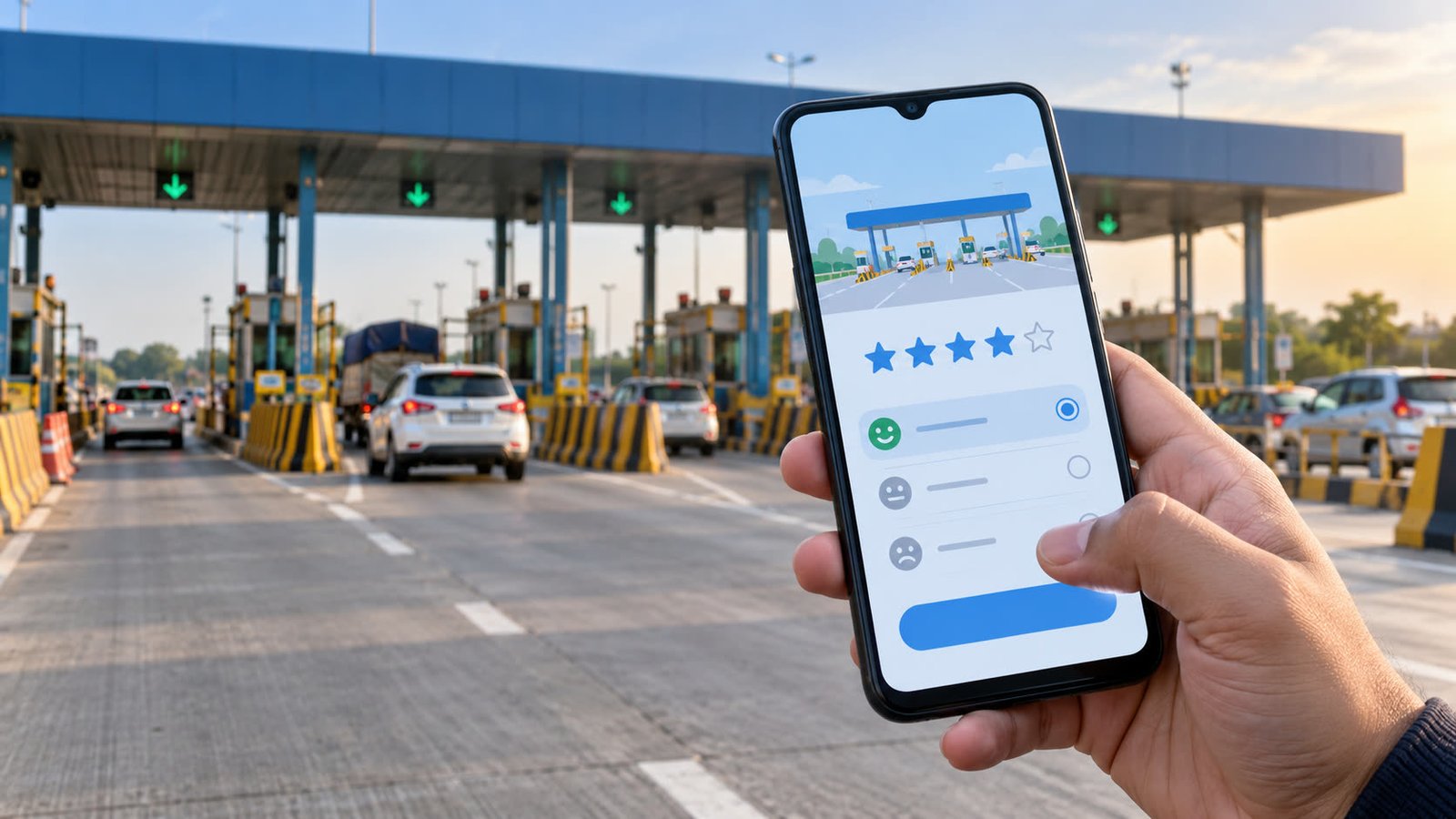
On 19 Oct 2026, the National Highways Authority of India (NHAI) introduced a Toll Plaza Feedback option in the Rajmargyatra app. The change is a service-feedback channel, not a toll-rate announcement: Annual Pass users can receive a prompt after crossing a National Highway toll plaza, while all users can submit feedback from the app menu.
Key takeaways
- Annual Pass users can be invited to rate their toll-plaza experience after a crossing.
- All National Highway users can open the Toll Plaza Feedback option and choose any toll plaza.
- The form lets users rate the experience, select relevant options and add remarks.
- NHAI says the feedback will help it identify and monitor service areas that need attention.
What NHAI changed
The Ministry of Road Transport and Highways said the new feature is meant to strengthen citizen participation and improve service delivery at toll plazas. The official announcement describes it as a way for highway users to share what they experienced, while giving NHAI a more structured channel to spot recurring problems.
The process has two entry points. After an Annual Pass user crosses a National Highway toll plaza, the Rajmargyatra app may send a notification asking for feedback. A user does not have to wait for that prompt: the same Toll Plaza Feedback option is available in the app menu, and NHAI says it can be used for any toll plaza by all users.
The official Rajmargyatra app listing also records a Toll Plaza Feedback update in its version history. That supports NHAI’s description of a feature being added to the app, rather than a proposal that still needs to be rolled out.
How drivers can use the feature
- Wait until it is safe. Complete the toll crossing, pull over or reach your destination before handling the phone. Do not submit feedback while driving.
- Open the relevant option. Use the post-crossing notification if it appears. Otherwise, open the Rajmargyatra menu and select Toll Plaza Feedback.
- Choose the plaza and rate the experience. The announced form allows users to rate their experience on a scale and select options relevant to the journey.
- Add a short, factual remark. Explain what happened, when it happened and what part of the toll-plaza experience needs attention. A specific description is more useful for monitoring than a rating without context.
Drivers should avoid adding unnecessary personal or payment information to a public-facing feedback field. A FASTag number, vehicle registration details or other sensitive information is not needed to explain a queue, facility or service problem unless the app specifically asks for it through a secure support flow.
What the update means for highway users
The immediate benefit is a clearer route for reporting service quality. Users who encounter a problem at a National Highway plaza can record it through the app instead of relying only on an informal complaint at the booth. NHAI says the reports will help it identify and monitor areas where toll-plaza services may need improvement.
That does not mean every submission will produce an instant response, a refund or a change at the next crossing. The announcement does not set out a response deadline, publish a public rating table or promise compensation. The practical value of the feature will depend on whether repeated reports are reviewed and followed by visible fixes.
The feature also does not change the amount a driver is charged at a toll plaza. It is separate from FASTag balance, toll rates and route-cost planning. Before a journey, drivers can use the toll charges calculator to estimate the route cost and the road-trip planner to compare a trip. If a route change or extended queue affects the fuel budget, the fuel-cost calculator can help compare the running-cost side of the journey.
What makes useful feedback
A star rating is easiest for NHAI to collect at scale, but a short explanation can make the report more actionable. A driver can note the plaza, the approximate time of crossing, the lane or approach involved and the problem observed. The description should stay factual and avoid personal allegations about individual workers.
For repeated or serious problems, retaining a toll receipt or other trip record may help the user describe the event accurately later. Such records should be kept privately and shared only through an official support channel when necessary.
What to watch next
NHAI’s next test is implementation: whether the new feedback stream helps the authority identify patterns across plazas and improve service delivery. The release does not say how reports will be prioritised or whether users will be able to track a resolution inside this specific feedback flow. Users should therefore treat the feature as a reporting and monitoring channel, not as proof that an issue has already been fixed.
For urgent help on a National Highway, the official Rajmargyatra app listing advertises the 1033 National Highway helpline. For ordinary service feedback, the new in-app option gives drivers a direct place to record the experience after they have stopped safely.
Reader takeaway
Rajmargyatra now gives National Highway users a defined way to rate a toll-plaza experience and describe issues. Annual Pass users may receive a post-crossing prompt, but every user can reach the option from the menu. Submit the report only after stopping, keep it specific and factual, and use separate toll and fuel tools when the question is trip cost rather than service quality.
Sources
- Press Information Bureau — NHAI Introduces Toll Plaza Feedback Feature on Rajmargyatra App to Improve National Highway User Experience (19 Oct 2026)
- The Statesman — NHAI introduces Toll Plaza Feedback Feature on Rajmargyatra App to improve National Highway user experience (19 Oct 2026)
- Apple App Store — Rajmargyatra App version history, including Toll Plaza Feedback Update (12 Oct 2026)